TUMIL’S PLUGINS

Migration Safety Netfor Divi 5

Snapshot every page before you migrate. Re-scan after. See exactly what changed — or prove nothing did.

Divi 5’s built-in migrator predicts what will convert. This proves what did — and when nothing broke, it says so in as many words: Migration verified clean.

How it works

Four steps, entirely inside your WordPress admin. No account, no external service, nothing to configure.

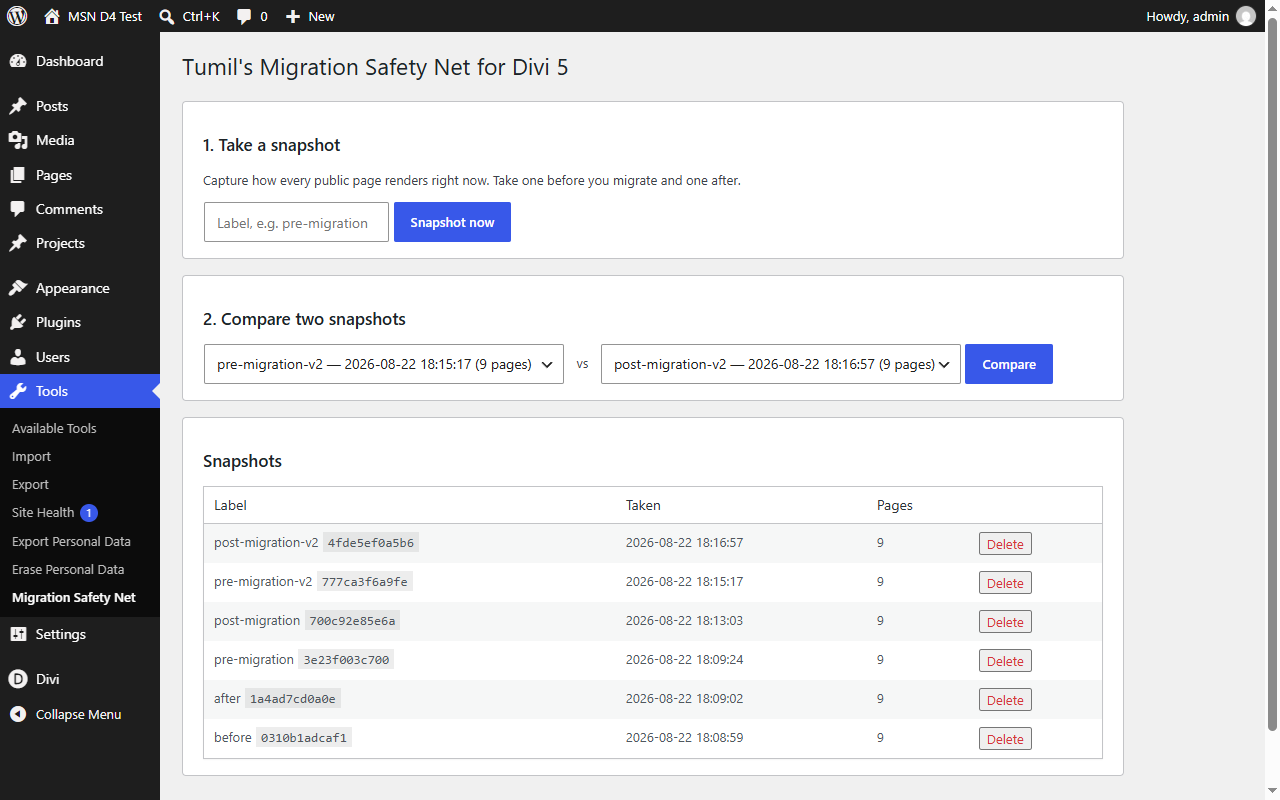
  1. Snapshot

    Capture how every published page actually renders, before you touch anything.

  2. Migrate

    Run Divi’s migrator, update the theme, change whatever you meant to change.

  3. Re-scan

    Take a second snapshot of the same pages.

  4. Compare

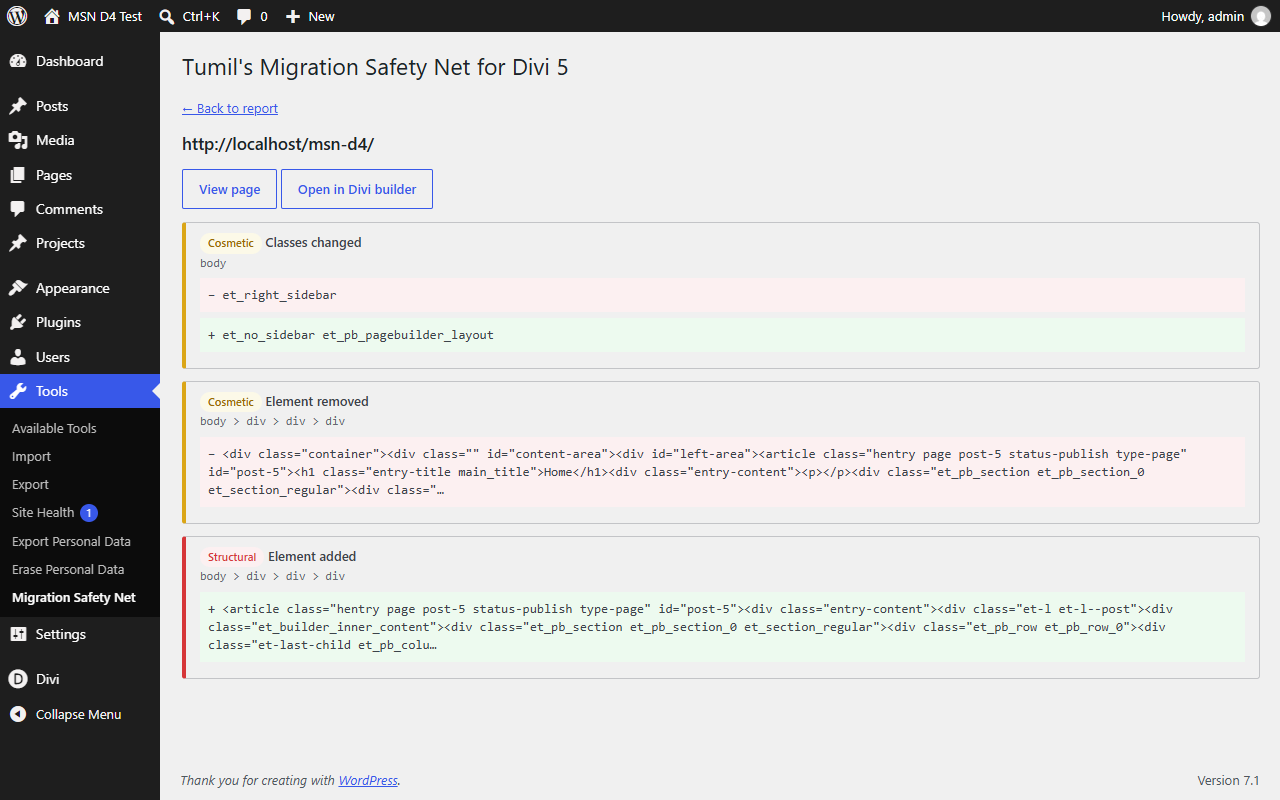
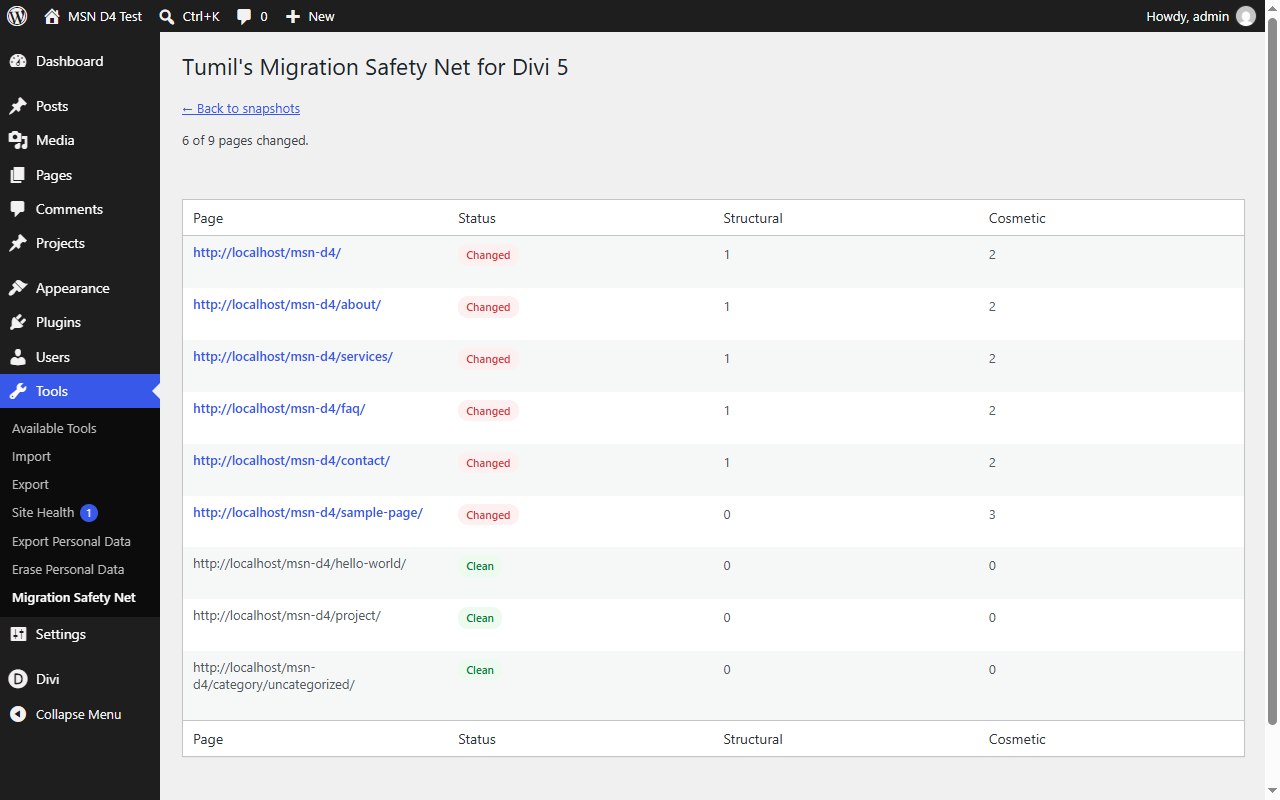
    A noise-filtered DOM diff of every page, ranked by severity.

The report

These are unretouched screenshots from a real Divi 4.27 → 5.2 migration of a nine-page site — not mockups. Click through the four screens the plugin actually produces.
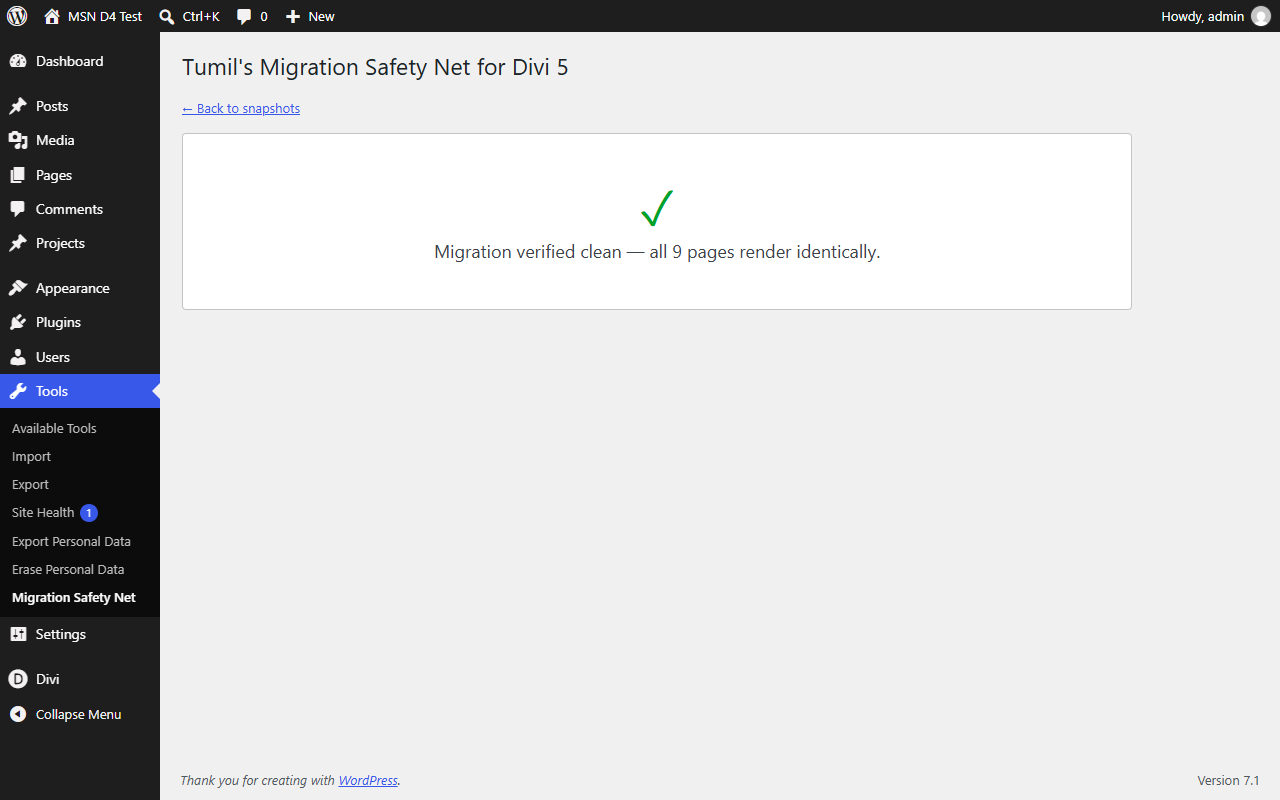
The plugin reporting Migration verified clean, all nine pages rendering identically.

A clean result is a first-class outcome. When every page still renders identically, you get a plain statement of it — the answer you actually wanted.
Why the diff is trustworthy

Divi 5 rewrites a great deal of markup that changes nothing visually. Every one of those patterns is normalised away before comparison:

  • Marker classes Divi 5 adds almost everywhere, with no visual effect.
  • Gutter and alignment classes it quietly drops.
  • Plain spans it unwraps, and wrapper divs it consolidates.
  • Cache busters and attribute order, which change on every request.

Each rule was forced by a real migration, never guessed at, and the whole engine ships with 102 automated tests. False positives are what make a verification tool worthless, so that is where the work went.

Honest about its limits

This measures rendered HTML, not painted pixels.

  • A change that exists only in generated CSS — a background colour in a <style> block, say — is invisible to a markup diff.
  • It compares published, publicly reachable pages; anything behind a login is out of scope.
  • A page whose stored snapshot has gone missing is reported “Cannot verify” — never quietly counted as clean.

Said plainly here because a verification tool that overstates its coverage is worse than no tool at all.

Requirements

Built for ordinary shared hosting. Page capture uses WordPress’s own loopback request — no headless browser, no API key, nothing about your site leaves your server.

WordPress
6.2 or newer
PHP
7.4 or newer, through the current stable release
Divi
Works alongside Divi 4 and Divi 5 — install it before you migrate
Pages covered
Published pages, posts and custom post types (200 by default, filterable), plus the front page and a sample of each archive
Storage
Snapshots live in your uploads folder; uninstalling removes every trace
External requests
None
Licence
GPLv2 or later